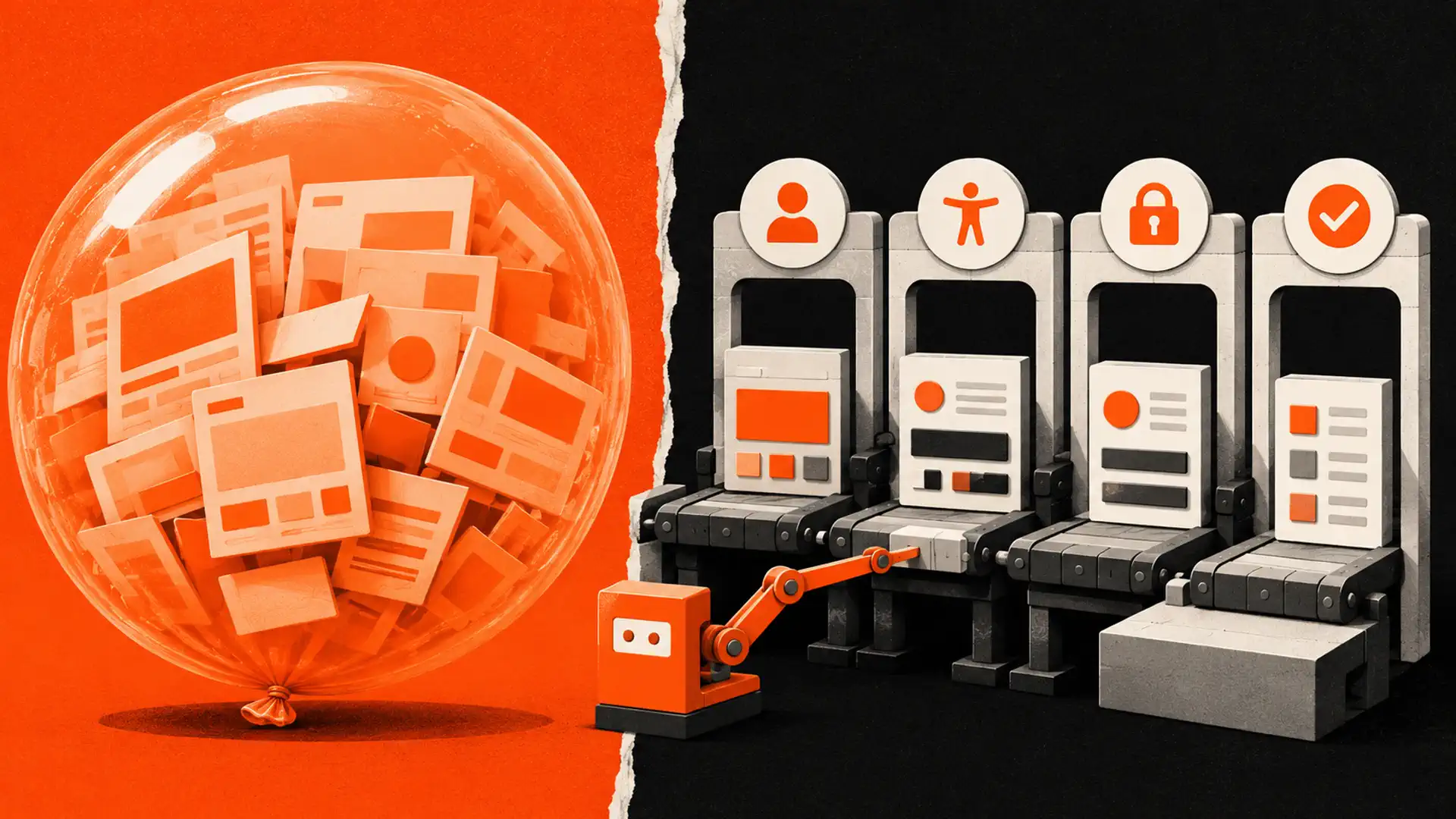
The short version: AI can accelerate parts of web design, but it does not replace strategy, original business knowledge, accessibility work, security review, testing, or accountable human decisions. The useful question is not whether a tool can produce a page—it is whether the finished website is accurate, usable, maintainable, and appropriate for the business.
AI and web design now overlap in almost every stage of a website project. Tools can draft layouts, suggest code, organize research, transform content, and assist with testing. Marketing often turns those capabilities into a much larger claim: that one prompt can produce a complete commercial website with no meaningful human work.
That claim confuses output with outcome. A generated page may look finished while still using vague copy, inaccessible interactions, weak security, incorrect facts, unverified structured data, or a business process that fails when a real customer needs help.
AI and web design: the practical reality check
| Marketing claim | What a production website actually requires |
|---|---|
| “One prompt builds the whole website” | Discovery, content evidence, information architecture, integrations, testing, launch controls, and maintenance |
| “AI understands what converts” | Research with the intended audience and measurement of real user behaviour |
| “Generated code is ready to ship” | Review for correctness, security, accessibility, performance, browser support, and maintainability |
| “AI content ranks automatically” | Accurate, original, relevant content that satisfies search intent and complies with search policies |
| “A chatbot replaces support” | Boundaries, approved knowledge, privacy controls, escalation, monitoring, and human accountability |
Google’s current generative-AI guidance does not say that AI-assisted content is automatically penalized. It emphasizes accuracy, quality, relevance, and added value, while warning that producing many low-value pages can violate scaled-content-abuse policies.
Where AI can help a web-design workflow
Research organization and first drafts
AI can group interview notes, identify repeated themes, propose questions, and create a rough outline. It can also help rewrite a draft for a defined reading level or channel. A person still needs to confirm every claim, remove invented details, preserve the customer’s voice, and decide what belongs on the page.
Code assistance for bounded tasks
Development assistants can propose components, tests, regular expressions, documentation, and repetitive transformations. They are most useful when the request is narrow and the developer can inspect the result. Generated code should pass the same review, automated checks, and staging process as hand-written code.
Content migration and asset preparation
AI-assisted tools can classify existing pages, suggest alt-text drafts, identify duplicate content, and help prepare images. The final alt text must describe the actual image in its context. Image optimization should be measured rather than tied to a fabricated universal file-size or loading-time guarantee.
Test planning and quality assurance
AI can suggest edge cases and help create a test matrix, but automated suggestions are not proof that the site works. Teams still need keyboard testing, screen-reader checks, responsive review, browser testing, form-delivery verification, error-state testing, analytics validation, backups, and recovery practice.
The W3C’s WCAG overview is the appropriate starting point for accessibility standards. Accessibility is a design, content, code, and testing responsibility—not a switch that a generator can reliably apply after launch.
Where AI needs strong human control
Business positioning and evidence
A model cannot independently know why customers choose one business, which objections matter most, or which proof is legitimate. Those answers should come from interviews, service records, approved case studies, subject-matter experts, and observable customer behaviour.
Structured data and search claims
AI can format JSON-LD, but syntactically valid markup can still be inaccurate or ineligible. Structured data must match visible page content and the applicable feature rules. Google’s structured-data guidelines also make clear that valid markup does not guarantee a rich result.
Security, privacy, and integrations
Forms, payments, customer accounts, CRM connections, and AI chat features create real risk. Teams must decide what data is collected, where it is sent, who can access it, how long it is retained, and what happens when a service fails. The OWASP guidance for LLM applications is useful when AI features accept user input or connect to tools and data.
Final accountability
A tool cannot own the consequences of an incorrect price, inaccessible form, privacy breach, broken booking flow, or misleading claim. A named person or team must approve the release, monitor outcomes, and have authority to roll back or correct problems.
A responsible AI-assisted website workflow
- Define the business outcome. Identify the audience, priority action, operational constraints, and evidence available.
- Collect source material. Use approved facts, real service information, customer questions, policies, and brand guidance.
- Design the information architecture. Decide what users need, in what order, and where a human decision is required.
- Assign AI bounded tasks. Use it for drafts, variants, transformations, or test suggestions with clear acceptance criteria.
- Review every output. Check facts, tone, originality, code quality, security, privacy, accessibility, and legal implications.
- Test the complete journey. Verify navigation, forms, emails, payments, analytics, consent, error states, and mobile behaviour.
- Launch with monitoring. Keep backups, ownership records, vendor access, incident contacts, and rollback steps.
- Improve from evidence. Use search data, enquiries, support issues, and usability findings rather than generic AI recommendations.
For a closer look at capability boundaries, read whether AI can build a complete website. Small businesses considering budget implications can also review our guide to AI-assisted web-development costs.
How to evaluate an AI website builder or agency
Ask for a clear answer to each of these questions:
- Who owns the domain, content, code, analytics, and customer data?
- Can the site and its data be exported without the vendor?
- Which parts are generated, and who reviews them?
- How are factual claims and structured data verified?
- What accessibility standard and testing process are used?
- How are forms, credentials, integrations, backups, and updates secured?
- What recurring fees, usage limits, and third-party dependencies apply?
- Who responds when automation gives an incorrect answer or a workflow fails?
A useful provider should be comfortable explaining both the efficiencies and the limits. Avoid guaranteed rankings, universal conversion claims, invented performance scores, and demonstrations that never show what happens after a real form submission.
What “AI-powered” should mean in a proposal
| Proposal language | Evidence to request |
|---|---|
| AI-assisted development | Tasks assisted, reviewer responsibilities, tests, and ownership |
| AI content | Sources, fact-checking, subject-matter approval, and editorial process |
| AI chatbot | Approved knowledge, prohibited actions, escalation, logs, and privacy controls |
| AI SEO | Technical checks, content standards, measurement plan, and no ranking guarantee |
| AI optimization | Baseline metrics, test method, accessibility impact, and measurable result |
The strongest use of AI is usually quiet: it reduces repetitive work while experienced people spend more attention on customer understanding, architecture, review, and testing. That is a more durable advantage than attaching “AI-powered” to an ordinary template.
Plan an accountable AI-assisted website
TruWebz can help you scope a practical website workflow that uses automation where it adds value while keeping strategy, accessibility, security, and quality under human review.
Frequently Asked Questions
Can AI build a complete business website?
AI can generate useful pieces, but a production website still needs business research, accurate content, integrations, accessibility, security, testing, ownership decisions, and accountable human review.
Does Google penalize all AI-generated content?
No. Google emphasizes accuracy, quality, relevance, and value. Large-scale low-value content may violate spam policies regardless of how it was produced.
Is AI-generated code safe to publish?
Treat it like any unreviewed contribution. Inspect dependencies and data flows, run automated checks, test edge cases, review security and accessibility, and deploy through staging.
Can an AI chatbot replace customer support?
It can answer bounded routine questions, but it needs approved knowledge, privacy controls, prohibited actions, monitoring, and a clear path to a person.
Will AI automatically reduce website costs?
Not automatically. Savings depend on scope, workflow, review time, rework, subscriptions, integrations, maintenance, and the team’s ability to use the tools responsibly.
What is the best role for AI in web design?
Use AI for bounded, reviewable tasks such as drafting, transformation, code assistance, asset preparation, and test suggestions. Keep strategy and final approval with accountable people.