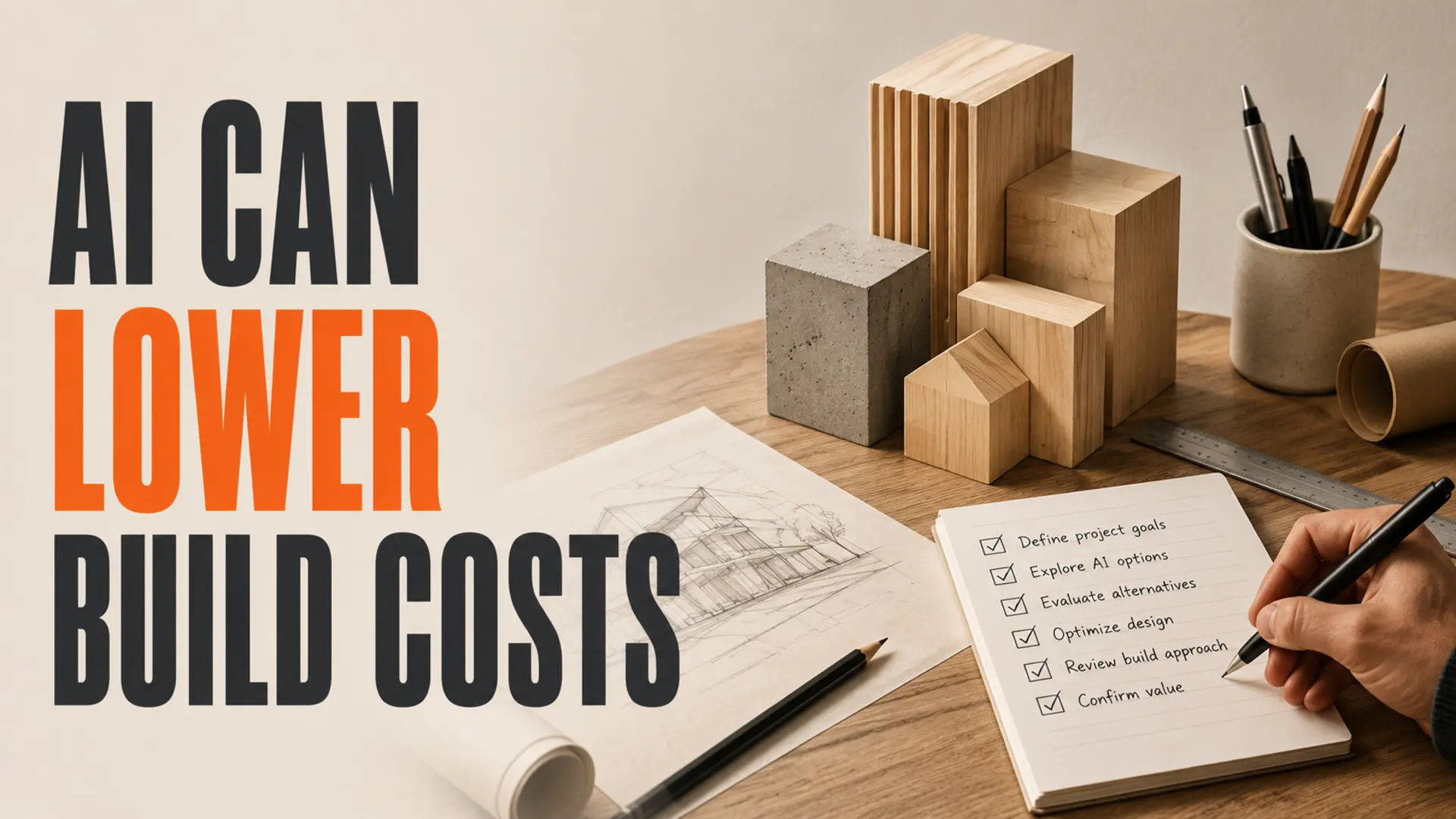
The short version: Small businesses can use AI to lower web development costs when it reduces repetitive production work—not when it replaces discovery, design judgment, accessibility, security or testing. No fixed reduction should be assumed; results depend on the project and review requirements. Measure the original scope, identify suitable tasks, and compare final effort and quality before claiming savings.
AI-assisted web development can make a small-business website more efficient to plan and produce. It can help create first drafts, organize content, prepare routine code and speed up quality checks. The real benefit depends on the project, the starting materials and the amount of expert review required.
The safest approach is to use AI inside a structured workflow. Keep humans responsible for business requirements, customer experience, factual accuracy, accessibility, privacy, security and launch decisions. This guide explains where savings may be realistic and where shortcuts create expensive rework.
How AI Can Lower Web Development Costs
Begin with a task audit rather than a percentage promise. Break the project into discovery, content, design, development, integrations, testing, launch and maintenance. Estimate the manual effort for each workstream, then identify tasks that are repetitive, reversible and easy to verify.
For a clear picture of the complete process, review what happens from website idea to launch.
1. First-Draft Code and Reusable Components
AI coding assistants can help draft routine components, responsive styles, validation logic, tests and documentation. This can reduce time spent on predictable scaffolding, especially when the project already has coding standards and reusable patterns.
Generated code is not automatically correct, secure or maintainable. A developer still needs to review dependencies, semantics, browser behaviour, error handling, performance and fit with the existing codebase. Savings disappear quickly when low-quality output is accepted without review.
2. Content Organization and Initial Copy
Business notes, interview transcripts and existing materials can be organized into page outlines, FAQs and first-draft copy. AI is useful for revealing gaps and creating a consistent structure, but the business must verify services, locations, credentials, policies and claims.
Do not upload confidential customer information, employee records, contracts or proprietary material unless the chosen tool and organizational policy permit it. Remove unnecessary personal information and define who approves the final copy.
3. Structured Data and Metadata Drafts
AI can prepare draft title tags, descriptions, image alt text and structured-data markup from verified business information. The drafts still need validation against the relevant requirements and the actual page content.
Google’s current guidance on generative AI content emphasizes accuracy, quality and relevance, including for metadata, structured data and image alt text. Using automation to create many low-value pages can violate its spam policies.
4. Image Preparation and Asset Variations
AI-assisted tools can help crop, resize, compress, remove simple distractions and prepare concept variations. This is useful when a business already owns suitable source images and needs consistent delivery formats.
Human review remains essential for truthful representation, consent, copyright, visible artifacts, distorted products or people, and accessibility. Generated images should not fabricate completed work, staff, facilities or customer results.
5. Integration Scaffolding and Test Cases
AI can draft data mappings, API request structures, form validation and test scenarios. It may reduce setup time when requirements and vendor documentation are clear.
Authentication, payments, customer data, webhooks and production credentials require careful engineering. Never paste live secrets into an unapproved tool. Test failure paths, retries, duplicate submissions, authorization rules and logging before deployment.
Work That Still Requires Human Ownership
Business Discovery and Scope
A tool cannot decide which customer problem deserves investment. Someone must define audiences, business goals, legal constraints, required content, integrations, ownership and success criteria. Weak discovery leads to a fast build of the wrong website.
User Experience and Conversion Strategy
Layout suggestions are easy to generate; trustworthy decisions are harder. Navigation, hierarchy, calls to action, forms and proof should reflect actual customer questions and the business’s operating capacity. For more context, see this guide to improving website lead generation.
Accessibility
Automated checks can detect some issues, but they cannot confirm the complete user experience. The W3C’s WCAG overview describes accessibility across content, structure, presentation and interaction. Keyboard use, focus order, meaningful alternatives, error recovery and assistive-technology testing need human attention.
Privacy and Security
Forms, analytics, integrations and AI services may handle personal or sensitive information. Decide what data is necessary, obtain appropriate consent, control access, define retention and deletion, and review vendor terms. Threat modelling and code review should match the risk of the site.
The OWASP guidance for LLM applications is particularly relevant when AI features are part of the website itself rather than merely used during production.
Quality Assurance and Launch Approval
Test content, forms, links, analytics, consent controls, responsive layouts, accessibility, security and recovery procedures. The person approving launch should understand known limitations and confirm that the business can support the resulting enquiries.
A Responsible Cost-Reduction Framework
To evaluate a cost-saving goal, use the same scope and quality standard for both estimates. Do not compare a custom project with a stripped-down template and call the difference an AI saving.
| Workstream | Where AI may help | Required human check |
|---|---|---|
| Discovery | Summarize interviews and organize requirements | Approve goals, priorities and constraints |
| Content | Create outlines and first drafts | Verify accuracy, voice, claims and permissions |
| Design | Explore concepts and variations | Confirm usability, brand fit and accessibility |
| Development | Draft routine code and tests | Review architecture, security and maintainability |
| SEO | Draft metadata and structured data | Check relevance, validity and search policies |
| Launch | Generate checklists and test scenarios | Run real tests and authorize deployment |
Step 1: Freeze the Scope
Document pages, features, integrations, content responsibilities, accessibility target, ownership, support and acceptance criteria. Cost comparisons are meaningless when scope changes.
Step 2: Record a Manual Baseline
Estimate how the same team would complete the same project without AI assistance. Use prior project records where available instead of invented industry averages.
Step 3: Assign Suitable AI Tasks
Prioritize high-volume, low-risk tasks with clear verification methods. Keep sensitive, strategic and irreversible decisions under direct human control.
Step 4: Include Review and Rework
Measure prompting, review, correction, testing and integration—not just generation time. An output produced quickly but repaired slowly is not a saving.
Step 5: Compare Total Project Cost and Quality
Evaluate total labour, software, vendor fees, revisions, maintenance and risk. Also compare accessibility, performance, security, content accuracy and ownership. If the project reaches the same standard with materially less effort, the reduction is defensible.
AI-Assisted Development vs. One-Click Website Generation
AI-assisted development and automated site generation are not the same. An assisted workflow uses AI within a governed process. A one-click builder may be suitable for a simple temporary site, but limitations vary by provider and plan.
Before choosing any platform, check:
- export and code ownership;
- domain, hosting and data portability;
- accessibility and responsive behaviour;
- privacy and data-processing terms;
- integration and customization limits;
- ongoing subscription and migration costs;
- support, backups and recovery options.
A practical tool-selection framework appears in AI tools web designers use with human review.
Questions to Ask a Web Partner Using AI
- Which tasks use AI, and which remain under direct human control?
- How is confidential information protected?
- Who verifies facts, code, accessibility and security?
- What testing is included before launch?
- Who owns the domain, content, code, data and generated assets?
- Can the site be moved to another provider?
- How are software and maintenance costs disclosed?
- How will savings be measured against the agreed scope?
Build a Leaner Website Without Sacrificing Quality
AI can lower web development costs when it removes repetitive effort and gives skilled people more time for decisions that matter. It should not be used to disguise a smaller scope, bypass professional review or promise an arbitrary percentage.
TruWebz can help define a focused website scope, identify safe automation opportunities and build a workflow with clear ownership and quality checks. The right target is not simply the cheapest build—it is the smallest responsible investment that solves the business problem.
Plan a Leaner, Better-Reviewed Website
Talk with TruWebz about a focused scope and an AI-assisted workflow that keeps human quality control where it matters.
Frequently Asked Questions
Can AI lower web-development costs??
It may for a suitable project, but no fixed saving should be assumed. Compare the same scope and quality standard, including review, testing, tools and rework.
Which web-development tasks are best suited to AI?
Good candidates include outlines, first drafts, routine code, metadata drafts, asset preparation, documentation and test scenarios—provided each output has a clear human verification step.
What should not be delegated entirely to AI?
Business strategy, factual approval, accessibility, privacy, security, payment logic, production credentials and launch authorization need accountable human ownership.
Will AI-generated content hurt SEO?
Automation itself is not the deciding factor. Google advises focusing on accuracy, quality and relevance; generating many pages without added value may violate its spam policies.
How should a small business protect data when using AI?
Use approved tools, minimize personal information, review vendor terms, restrict access and never submit production secrets or sensitive records without appropriate controls.
How can I verify that AI actually reduced the project cost?
Freeze the scope, record a manual baseline, track all AI-assisted effort and compare total cost and quality after review, testing, revisions and launch.