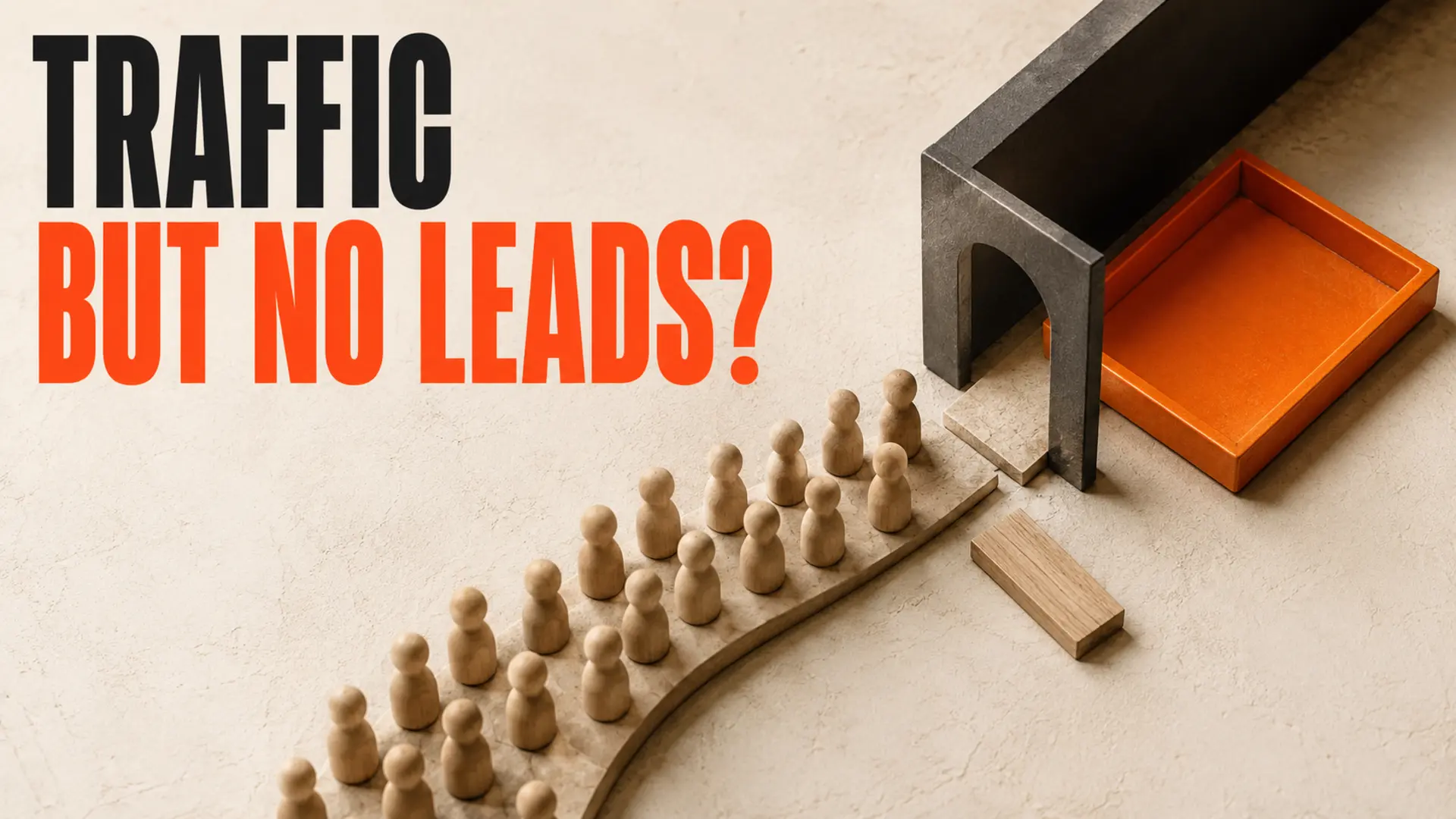
Getting website traffic but no leads? The problem is usually not simply “not enough visitors.” It is more often a mismatch between the visitor’s intent and your page, an unclear offer, weak trust signals, a difficult contact process, or missing conversion tracking.
Before spending more on traffic, find the point where people stop moving forward. A clear page should quickly explain what you offer, who it is for, why visitors should trust you, and what they should do next.
Traffic and leads are different
Traffic means people visited your website. A lead is a visitor who takes a useful business action, such as calling, submitting a form, requesting a quote, booking a meeting, or sending an email.
A page can attract visitors and still produce no enquiries if it answers the wrong question, attracts people who are not ready to buy, or makes the next step difficult. The goal is not traffic by itself. The goal is the right traffic moving through a clear path.
Why your website gets traffic but no leads
1. The traffic does not match your offer
Not every visitor is a potential customer. Someone searching for general advice may only be researching, while someone searching for a service provider or price is closer to making a decision.
Review the search terms, advertisements, referrals, and pages that bring people to your site. If your visitors are looking for information but landing on a sales page, or looking for a specific service but landing on your homepage, the page may not match their intent.
What to fix: Create a page for each important customer need and connect informational articles to the appropriate service page.
2. The first screen does not explain what you do
A new visitor should understand three things quickly:
- What service or product do you provide?
- Who is it designed for?
- What should the visitor do next?
Statements such as “We build bold ideas for a better tomorrow” may sound polished, but they do not explain the offer. A clearer message would identify the service, audience, and result in plain language.
What to fix: Make the headline and opening paragraph specific. Do not make visitors decode your business.
3. The call to action is vague or missing
Visitors should not have to guess what happens next. “Learn More” and “Explore” can be useful in some situations, but they are often weaker than a specific action such as “Request a Quote,” “Book a Consultation,” or “Get a Website Review.”
Use one primary action for each page. Place it near the top, after important decision-making information, and near the end. Make sure the button leads to a working form, booking page, phone link, or other useful next step.
4. The page does not provide enough trust
People may leave even when they need your service if they cannot tell whether your business is credible or suitable for them.
Useful trust signals include real project examples, testimonials that can be verified, clear service details, service areas, transparent process information, business contact details, and an explanation of what happens after someone makes contact.
Use evidence close to the claim it supports. Avoid invented reviews, unsupported results, or stock images presented as your team or projects.
5. The contact form creates friction
A form can lose leads when it asks for too much information, does not work properly on mobile, displays confusing error messages, or sends submissions to the wrong inbox.
Test the complete process on a phone and computer. Submit a test enquiry, check the confirmation message, confirm that the email arrives, and verify that someone knows how to respond.
What to fix: Ask only for the information needed to begin the conversation. For many service businesses, that may be a name, email, phone number, service type, and short message.
6. The page is slow or difficult to use on mobile
Small text, crowded layouts, hard-to-tap buttons, confusing menus, and slow-loading images can stop visitors before they reach your offer.
Open the page on a real phone. Read the headline, use the navigation, tap every important button, and complete the contact form. You can also use Google PageSpeed Insights to identify performance problems.
Do not chase a perfect score at the expense of usability. Fix the issues that affect real visitors first.
7. The page does not match the search or advertisement
A visitor clicks because they expect a specific answer. If an advertisement promises “website design for accounting firms” but sends people to a generic homepage, the visitor must start searching again.
Match the page title, headline, opening message, and call to action with the promise that brought the visitor there. A person searching for pricing should see pricing guidance. A person searching for a service should see the relevant service page.
8. You are not tracking meaningful actions
Search Console can show clicks and impressions, but it does not tell you every action that matters after the visit. Track phone clicks, form submissions, email clicks, bookings, quote requests, and completed thank-you pages.
Also review lead quality. A form submission is not automatically a sales opportunity; it may be spam, a job application, or an unrelated enquiry.
What to fix first
Start with the page that already receives useful visitors. You may not need a complete redesign immediately.
- Confirm which searches and sources bring visitors.
- Check whether the page matches that intent.
- Rewrite the first screen so the offer is clear.
- Add one specific call to action.
- Test the buttons and contact form.
- Add relevant proof and service details.
- Track calls, forms, bookings, and qualified enquiries.
Make one focused group of changes, then measure the result. Changing every page at once makes it difficult to know which improvement helped.
Quick diagnostic checklist
| What you see | Likely issue | First check |
|---|---|---|
| Many visitors but no form submissions | Weak offer, form friction, or tracking failure | Test the form and clarify the CTA |
| Visitors leave quickly | The page does not match the search | Compare the query, title, and opening message |
| A service page gets views but no calls | Low trust or unclear next step | Add proof, process, service area, and a clear button |
| Blog traffic produces no enquiries | Readers have informational intent | Link to a relevant service or comparison page |
| Clicks increase but leads stay flat | Conversion or measurement problem | Review tracking and the complete contact path |
Do you need more traffic?
More traffic can help when the visitors are relevant and the page is clear, trusted, fast, and easy to use. More traffic will not solve a weak offer or broken conversion path.
Improve the page that already receives attention, then expand your SEO and marketing efforts around the searches that bring qualified visitors.
Frequently asked questions
Conclusion: Fix the Gap Between Website Traffic and Leads
TruWebz can review your page structure, search intent, message, mobile experience, forms, and conversion path to identify practical improvements.
See our website design services, web development services, and SEO services for help connecting search visibility with clearer customer actions.
Request a TruWebz website review and get a practical explanation of what to improve next.