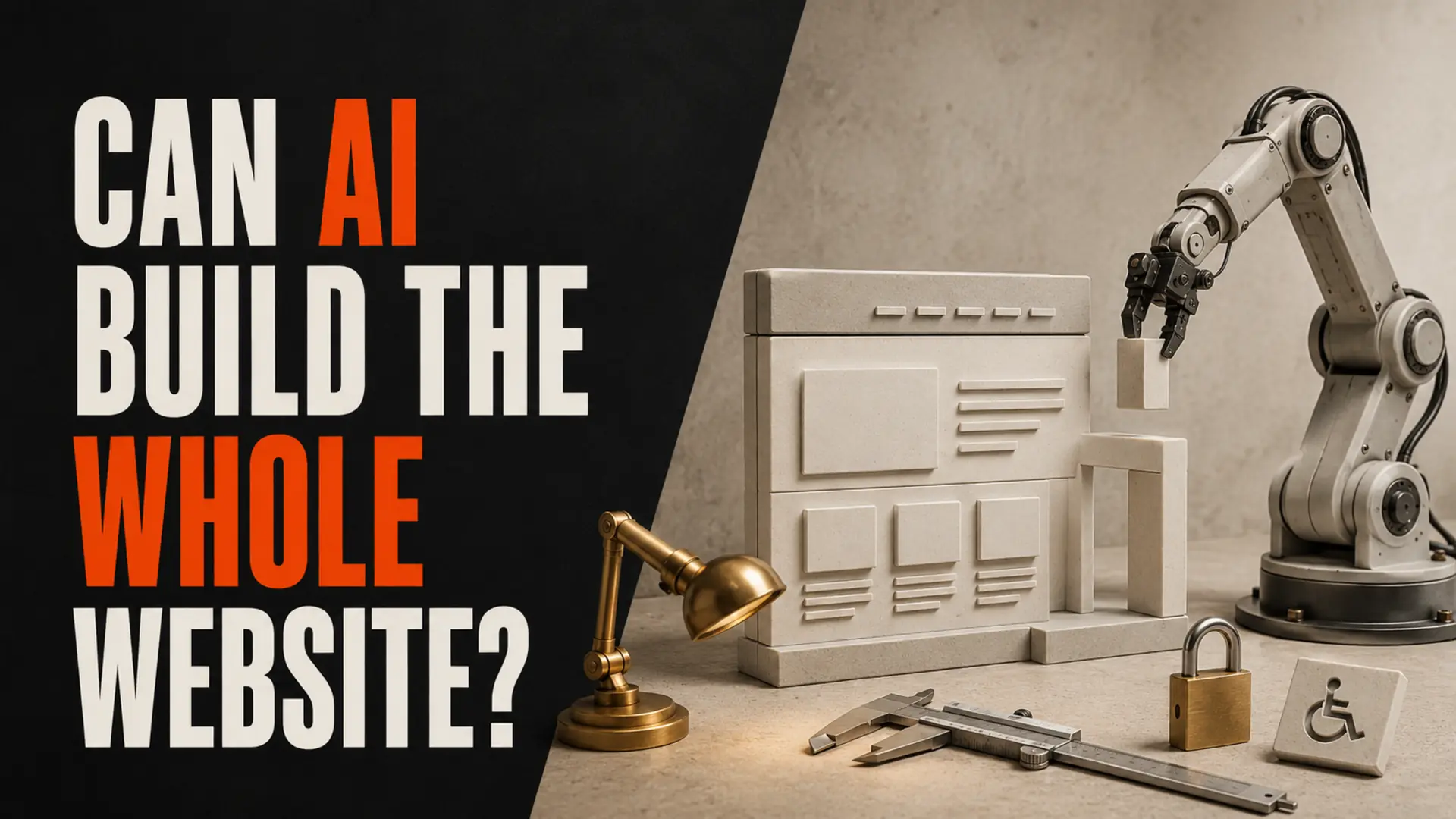
Can AI build a complete website in 2026? It can produce a strong starting point—and sometimes a working small site—but “complete” depends on the business. AI can accelerate layouts, copy drafts, code, images and tests. A person still needs to define requirements, verify facts, connect business systems, protect data, test accessibility and security, and accept responsibility for the finished result.
The useful question is not whether AI can generate pages. It is whether the resulting website reliably serves customers and supports the organization behind it.
What AI Website Builders Can Do Well
- Generate an initial sitemap, page outline and visual direction
- Draft responsive layouts and reusable components
- Suggest copy, code, image concepts and structured data
- Create prototypes for testing an idea before a larger investment
- Explain code and help developers troubleshoot routine problems
- Automate repetitive production work under review
For a simple brochure site with standard pages and a basic contact form, an AI-assisted builder may cover much of the initial production. That can make experimentation faster and help a small business clarify what it actually needs.
Where Human Review Is Still Essential
Business requirements and customer journeys
An AI tool cannot discover an undocumented approval process, service-area exception or sales handoff on its own. Someone must decide which customers the site serves, what they need to accomplish and how enquiries move through the business.
Facts, claims and original evidence
Generated copy can sound confident while being wrong, vague or unsupported. Services, qualifications, locations, policies, testimonials and product details must be checked by the business. Original project photos, useful examples and first-hand explanations are more credible than generic filler.
Integrations and failure handling
Connecting a form to email, a CRM, scheduling, payments or a database is only part of the job. A production workflow also needs validation, permissions, error messages, retries, monitoring, backups and a safe response when a third-party service fails.
Privacy and security
A website must collect only necessary information, explain how it is used, control administrative access and keep software and credentials secure. AI can suggest configurations, but the owner or implementation team must review what data leaves the site, where it is stored and who can access it.
Accessibility and inclusive testing
Automated checks catch some issues, but not whether navigation is genuinely understandable or a form works well with a keyboard and assistive technology. The W3C’s Web Content Accessibility Guidelines cover content, images, code and interaction—not just colour contrast.
Search and structured data
AI can draft page titles, internal links and JSON-LD, but it can also invent properties or mark up information that is not visible. Google says structured data must accurately represent the page and does not guarantee a rich result. Review the general structured-data guidelines and test eligible markup before release.
AI-Generated Content and Google Search
Google does not say that content is penalized simply because AI helped create it. Its current guidance says generative AI can assist research and add structure, while generating many pages without adding value may violate the scaled-content-abuse policy. The practical standard is useful, accurate, original, people-first content—regardless of the production tool.
Read Google’s official guidance on generative AI content. Avoid publishing unchecked location clones, invented experience, fabricated reviews or commodity articles that answer no real customer need.
A Practical AI-Assisted Website Workflow
- Define the outcome. Identify the audience, primary action, required pages, data and integrations.
- Choose an appropriate platform. Match the tool to ownership, portability, accessibility, security and maintenance needs.
- Generate a prototype. Use AI for options—not as the final authority.
- Replace generic material. Add verified services, real proof, original photography and clear policies.
- Engineer the workflows. Connect forms and systems with validation, consent, error handling and monitoring.
- Test the complete journey. Check mobile use, keyboards, forms, email delivery, performance, indexing and failure states.
- Assign ownership. Document domains, hosting, accounts, backups, updates and support responsibilities.
- Measure and improve. Use real enquiries and customer behaviour to refine the site after launch.
Which Website Projects Suit AI-First Tools?
| Project | AI-assisted starting point | Human work still needed |
|---|---|---|
| Simple brochure site | Often suitable | Facts, brand, accessibility, forms and launch checks |
| Campaign landing page | Useful for rapid prototypes | Offer, consent, analytics and conversion testing |
| Local service website | Can accelerate production | Real service details, local proof, enquiry routing and SEO review |
| Ecommerce or membership | Helpful for layouts and code | Payments, tax, privacy, accounts, refunds and security |
| Custom web application | Good development assistant | Architecture, permissions, data integrity, testing and operations |
How to Evaluate an AI Website Before Launch
- Can a new visitor understand the offer and next step?
- Are every service, location, credential and claim accurate?
- Do all forms reach the right person, including error and spam cases?
- Can the main tasks be completed on mobile and by keyboard?
- Are privacy notices, consent and data retention appropriate?
- Are the domain, hosting and third-party accounts owned by the business?
- Are backups, updates, monitoring and recovery assigned to someone?
- Does each indexed page provide distinct value?
If the project is still an idea, begin with a lean business-idea validation process. For a broader production view, see what happens from idea to live website and the review of AI tools web designers actually use.
Conclusion: AI Can Build Parts, Not Accountability
AI can accelerate drafting, layout, code, and content work, but a complete website still needs accountable review of business requirements, facts, accessibility, security, integrations, search readiness, and real customer journeys. Use AI for speed while keeping human ownership of every launch decision.
Frequently Asked Questions
Use AI Speed With Human Accountability
TruWebz helps Canadian businesses turn fast prototypes into clear, accessible and dependable websites built around real customer workflows.